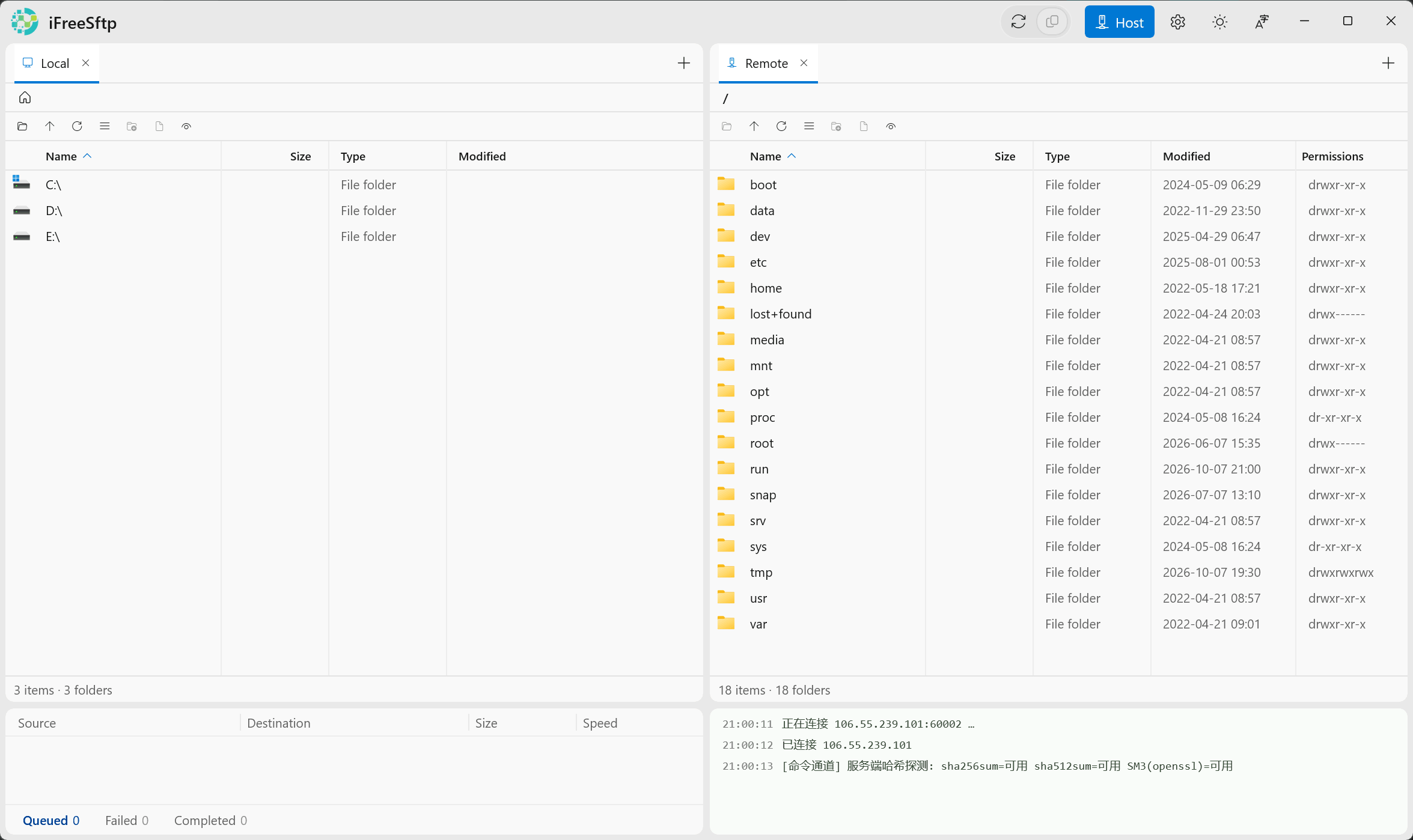
A free, open-source SFTP client for Windows. Dual panes with independent tabs on each side, plus an exclusive server-side command channel — direct remote-to-remote transfer, huge trees deleted in seconds, big-file checksums computed instantly.
Version v0.8.0 · Windows 10 1809+ / Windows 11 · x64 · Portable, unzip & run · AGPL-3.0

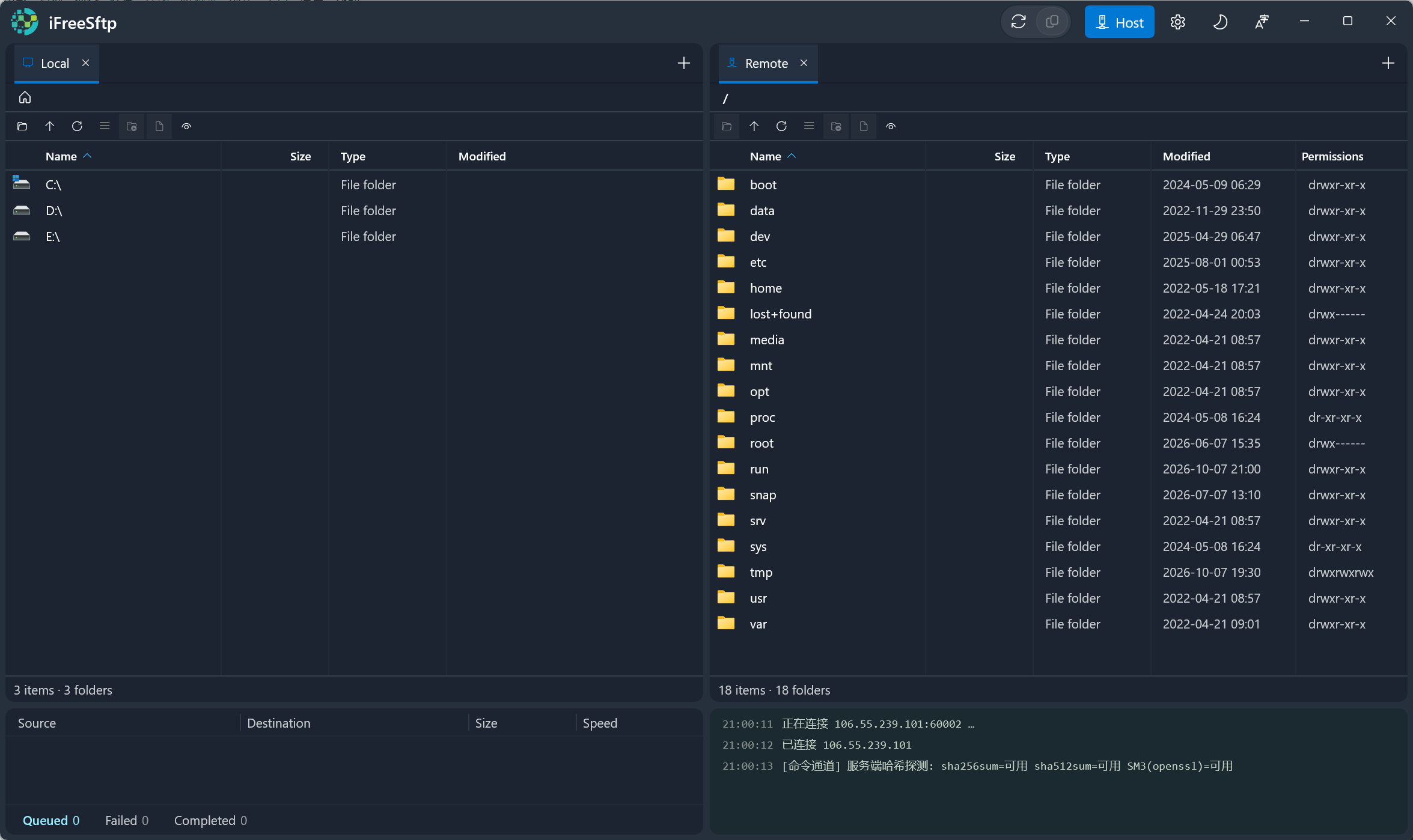
Two panes, many tabs — local and remote side by side
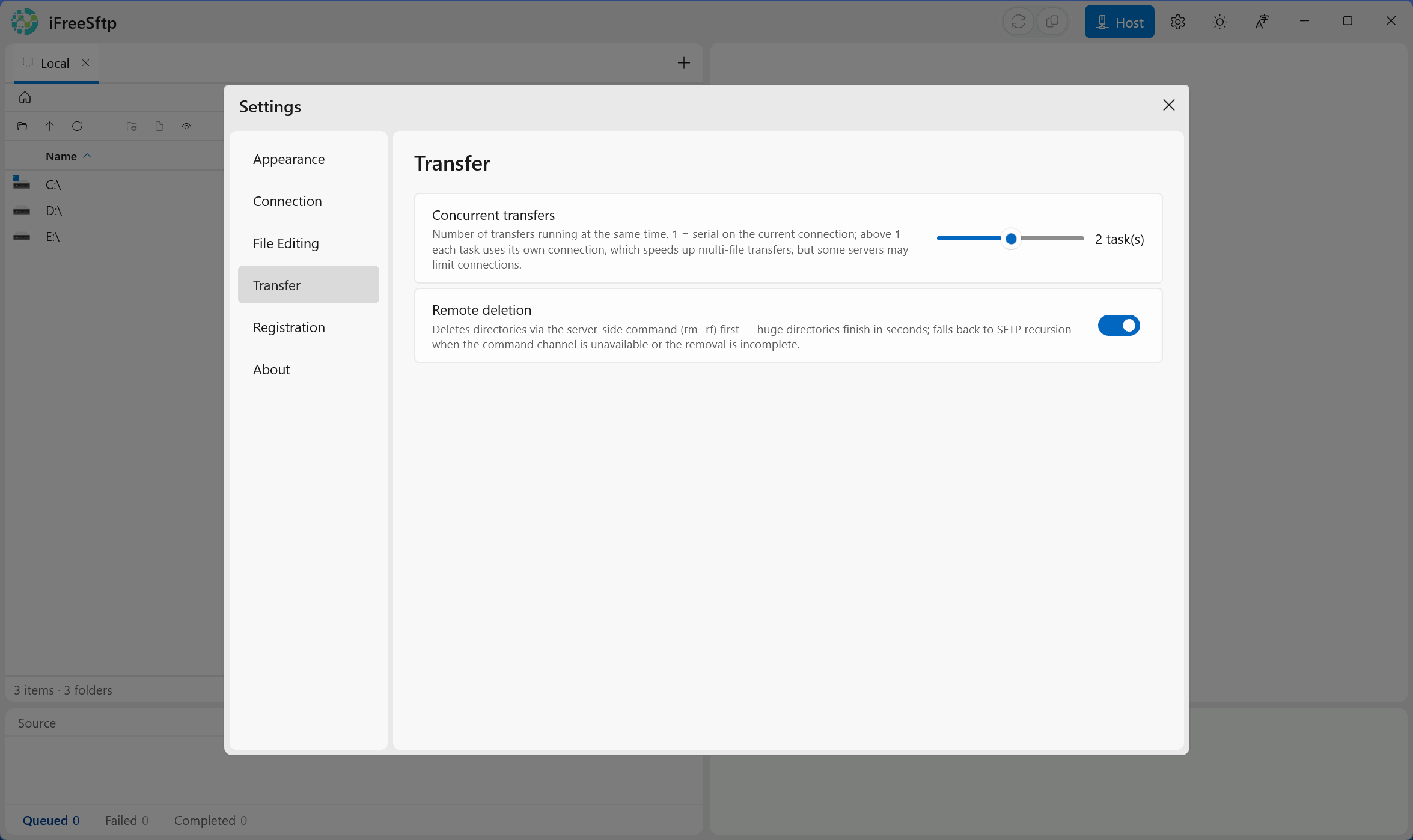
Same protocol, different philosophy — data from official docs, as of Oct 2026
|
iFreeSftp
|
FileZilla | WinSCP | Xftp | |
|---|---|---|---|---|
| License | AGPL-3.0, open source | GPL-2+, open source | GPL-3.0, open source | Proprietary |
| Price | All features free forever | Free | Free | Free for home/school, paid for business |
| Dual-pane tabs | ✓ Independent tabs in both panes local & remote in any mix |
✗ Single connection view | Session tabs (single pane) | Session tabs (single pane) |
| Deleting huge directory trees | ✓ Server-side rm -rf seconds, with fallback |
Item by item | Item by item | Item by item |
| Transfer integrity checks | ✓ SHA-256/512 + SM3 server-side, instant |
✗ | Scripting (checksum) | ✗ |
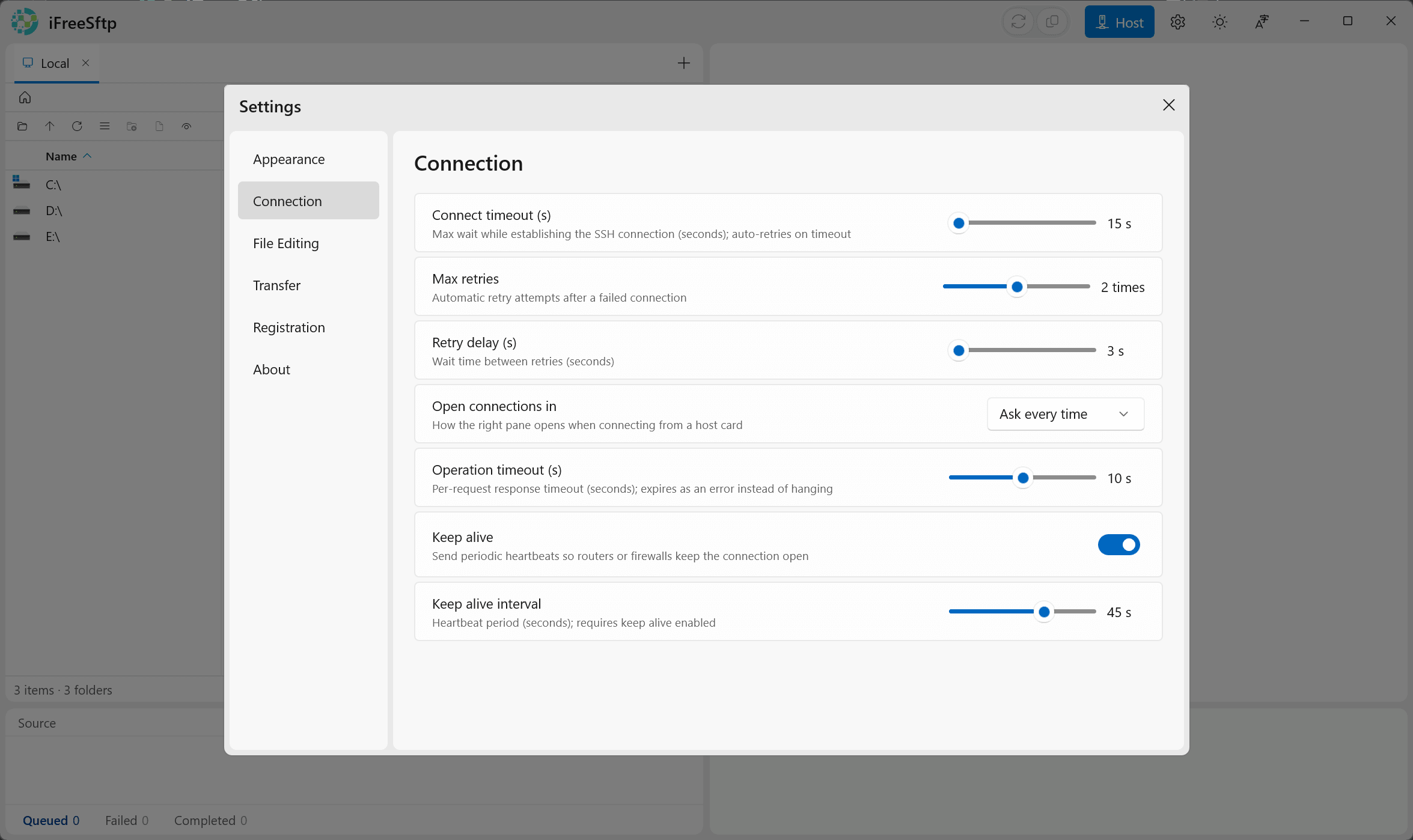
| Keep-alive | ✓ Active heartbeat keep-alive tunable interval, no idle drops |
✗ No active keep-alive idle sessions drop |
✓ Configurable | ✓ Configurable |
They target arbitrary servers: many hosts use OpenSSH's ForceCommand internal-sftp to lock users inside the SFTP subsystem — no shell at all. And SFTP v3 simply has no recursive-delete or server-side-copy primitives, so everyone must round-trip file by file. FileZilla doesn't even support SCP and has repeatedly declined "execute command" feature requests: nothing outside the protocol, ever.
When the command channel works, server-side routes are up to a hundred times faster; when it doesn't, everything falls back to the SFTP route — the worst case is exactly what FileZilla offers today. WinSCP's SCP mode tried the command route and drowned in shell-compatibility work, now demoted to a legacy mode. iFreeSftp's hybrid routing only ever gains.
Every feature is free for everyone, forever. Nothing locked, nothing gated.
No paywalls: transfers, command channel, remote editing, checksums, themes and localization — all open.
The supporter badge is a purely voluntary honor mark — registered or not, the features are identical.
Sponsor to get a registration code →Source available, commercial use and derivative works allowed; the community build shares the same codebase.